Cursor: Your New Battle Station

Not just a code editor. A command center.
Cursor is more than a code editor — it's an agentic platform that queries databases, sends emails, manages calendars, and runs automations through natural language. Think of it as a command center where you manage your entire operation from one interface, replacing the need for multiple SaaS dashboards.
If you build an app with Cursor, something interesting happens. Cursor becomes the super admin for that application.
Not just a code editor. A command center.
What Does Cursor Actually Do?
On the surface, Cursor looks like VS Code with AI bolted on. Under the hood, it's an agentic platform. That means it doesn't just write code -- it executes tasks, connects to services, and manages workflows.
Here's what we do with Cursor on a daily basis:
- Check signups: "How many people signed up today?" It queries the database and gives you the answer.
- Send emails: "Draft a marketing email about our next event and send it to the subscriber list." It writes the email, connects to SendGrid, and sends.
- Manage calendars: "Add a Vibe Jam event for February 24th at 6 PM." It creates the Google Calendar event.
- Query data: "Show me all organizations that were rejected in the last 24 hours." It writes the SQL and returns the results.
This isn't theoretical. This is Tuesday. We sent marketing emails in 6 minutes and built a lead gen engine this way.

One interface. Infinite capabilities. No dashboard fatigue.
If you're new to Cursor, start by building something simple for yourself -- a personal dashboard, a task tracker, or a note-taking app. Once it's built, try managing it through chat instead of clicking through a UI. That's when Cursor clicks.
The Composer Model
Cursor's speed comes from its Composer model. Combined with MCP servers, it connects to virtually any service. In our testing, it's measurably faster than other options. When you're iterating on a live project -- making changes, fixing bugs, adding features -- speed matters. Four times faster means four times more iterations in the same time window.
Why Not Just Use ChatGPT?
ChatGPT is great for conversation. But it can't touch your files, run your code, or connect to your services. Cursor lives inside your project. It has context -- it knows your codebase, your documentation, your style.
When you ask Cursor to generate a new page, it doesn't guess at your design language. It already knows it from every other page you've built.
The Learning Curve
Cursor requires some setup. You need Node.js installed. You need npm. You need a basic understanding of project structure.
But here's the thing: Cursor can help you set all of that up. Tell it what you're trying to do, and it'll walk you through the installation.
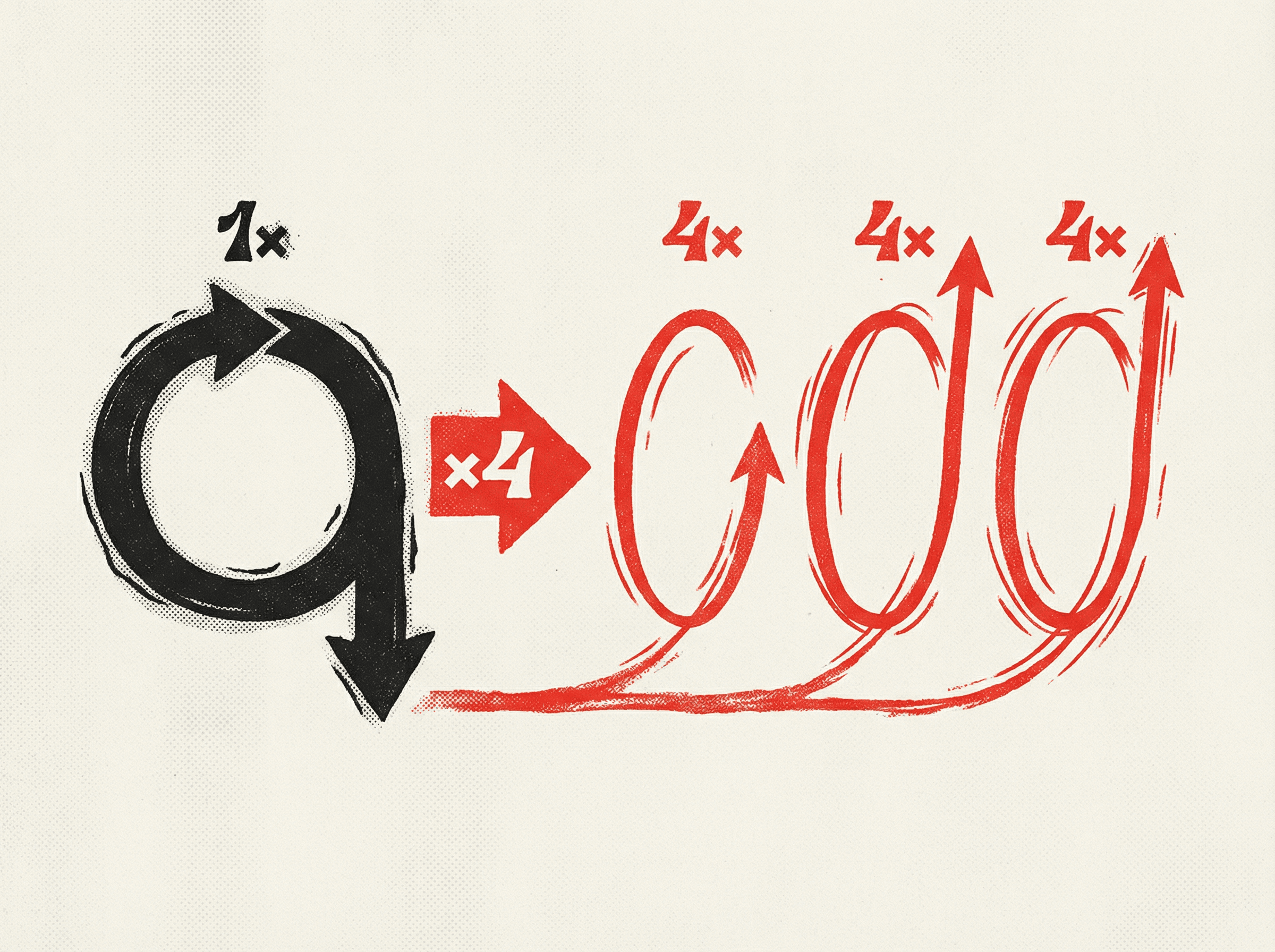
Four times faster means four times more iterations in the same window.
The investment is worth it. Once Cursor is your battle station, you stop switching between ten different tools and dashboards. Everything happens in one place.

Chris Johnston
Chris Johnston is the founder of PostScarcity AI and The Vibe Jam. Former development agency leader who managed 8 agile teams for venture-backed clients. Now teaching non-technical people to build with AI through vibe coding. Book a free Vibe Check to get started.
More About Chris Johnston