Sending Marketing Emails in 6 Minutes with an AI Agent

Six minutes. Draft to inbox.
Using an AI agent integrated with SendGrid, we went from "we need to send an email" to tested, deployed marketing emails hitting inboxes in 6 minutes. Describe the email, review the preview, query the subscriber list, and send — all through a single conversational interface.
Six minutes. That's how long it took us to go from "we need to send a marketing email" to a tested, deployed email hitting subscriber inboxes.
Not a template. A custom HTML email, personalized, with proper formatting and tracking. Created, tested, and sent — all through an AI agent.
What's an AI Agent, Exactly?
An AI agent is any AI system that can take actions on your behalf — not just chat back at you, but actually do things: write code, call APIs, query databases, send emails. A custom GPT with the right integrations qualifies. So does a LangChain app, an Eliza instance, or an OpenClaw workflow.
That said, not all agents are created equal. For this kind of work — where the agent needs to understand your codebase, hold context across a project, and execute multi-step tasks reliably — the three strongest options right now are:
- OpenClaw — purpose-built for agentic workflows with deep tool-calling support
- Cursor — the AI code editor that doubles as a capable task agent when paired with MCPs
- Claude Code — Anthropic's CLI agent, excellent for complex multi-step operations
Any of these can run the workflow below. The mechanics are the same: describe what you want, review it, send it.
The Workflow
Minute 1-2: Describe the email to your agent. "Draft a marketing email announcing our next Vibe Jam session on February 24th. Include the time, location, and a registration link. Keep the tone casual and energetic."
Minute 3-4: Your agent generates the HTML email, styled to match your brand. Review it in a preview. Make one adjustment: "Move the CTA button above the fold."
Minute 5: "Query the subscriber database and get the list of active subscribers."
Minute 6: "Send this email to the active subscriber list via SendGrid."
Done. Coffee's still brewing.
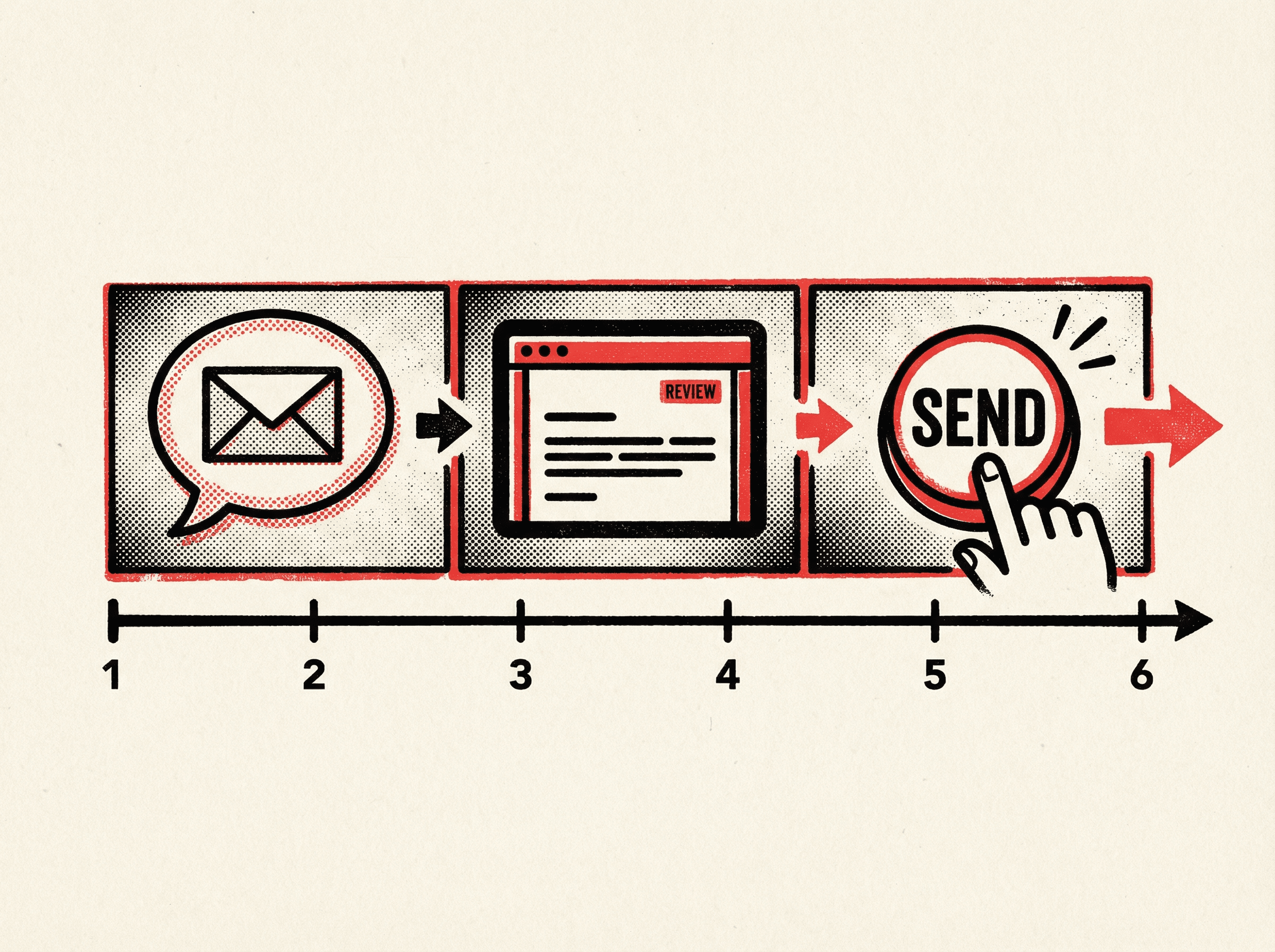
Describe. Review. Send. Six minutes. Coffee's still brewing.
Always send a test email to yourself first. Tell your agent: "Send a test version to my email address." Verify the formatting, links, and content before hitting the full subscriber list. This single step prevents most email mistakes.
What Makes This Possible
Three things working together:
- Your agent's context: It knows your brand, your voice, your subscriber database structure, and your email templates from previous sends. OpenClaw, Cursor, and Claude Code are the strongest options here — they hold deep context across sessions and execute reliably.
- SendGrid MCP: The connection to SendGrid that lets your agent actually send emails, not just draft them.
- Database access: Your agent can query your subscriber list directly, so there's no manual export/import step.
Compared to Traditional Email Marketing
In a traditional Mailchimp workflow:
- Log into Mailchimp
- Choose a template
- Customize the design in a drag-and-drop editor
- Write the copy
- Select the audience
- Schedule or send
- Check the analytics dashboard later
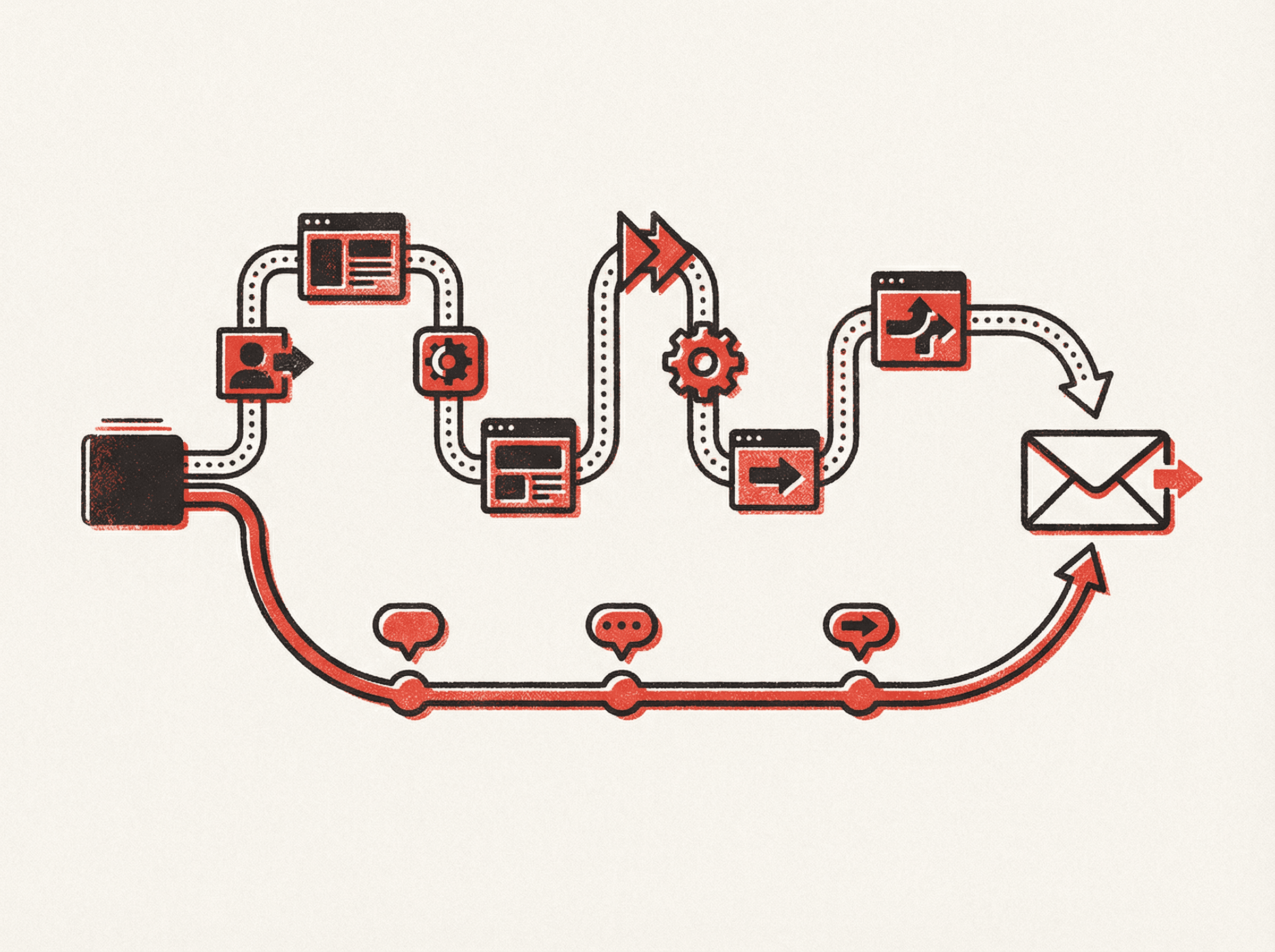
Seven steps versus three. Same email. A fraction of the time.
Each step involves switching contexts, clicking through interfaces, and waiting for things to load. It's 30-45 minutes minimum for a simple email.
With an AI agent, it's a conversation. The same outcome, a fraction of the time, and more control over the output.
When This Doesn't Work
If you're managing complex email sequences with A/B testing, advanced segmentation, and drip campaigns across thousands of contacts, a dedicated email platform still has advantages. The point isn't that an AI agent replaces Mailchimp for everyone — though we make the case in Why You Don't Need Mailchimp Anymore. It's that for most email needs, a conversational approach is faster and more flexible.

Chris Johnston
Chris Johnston is the founder of PostScarcity AI and The Vibe Jam. Former development agency leader who managed 8 agile teams for venture-backed clients. Now teaching non-technical people to build with AI through vibe coding. Book a free Vibe Check to get started.
More About Chris Johnston