Your AI Should Hand You a Button, Not a Paragraph
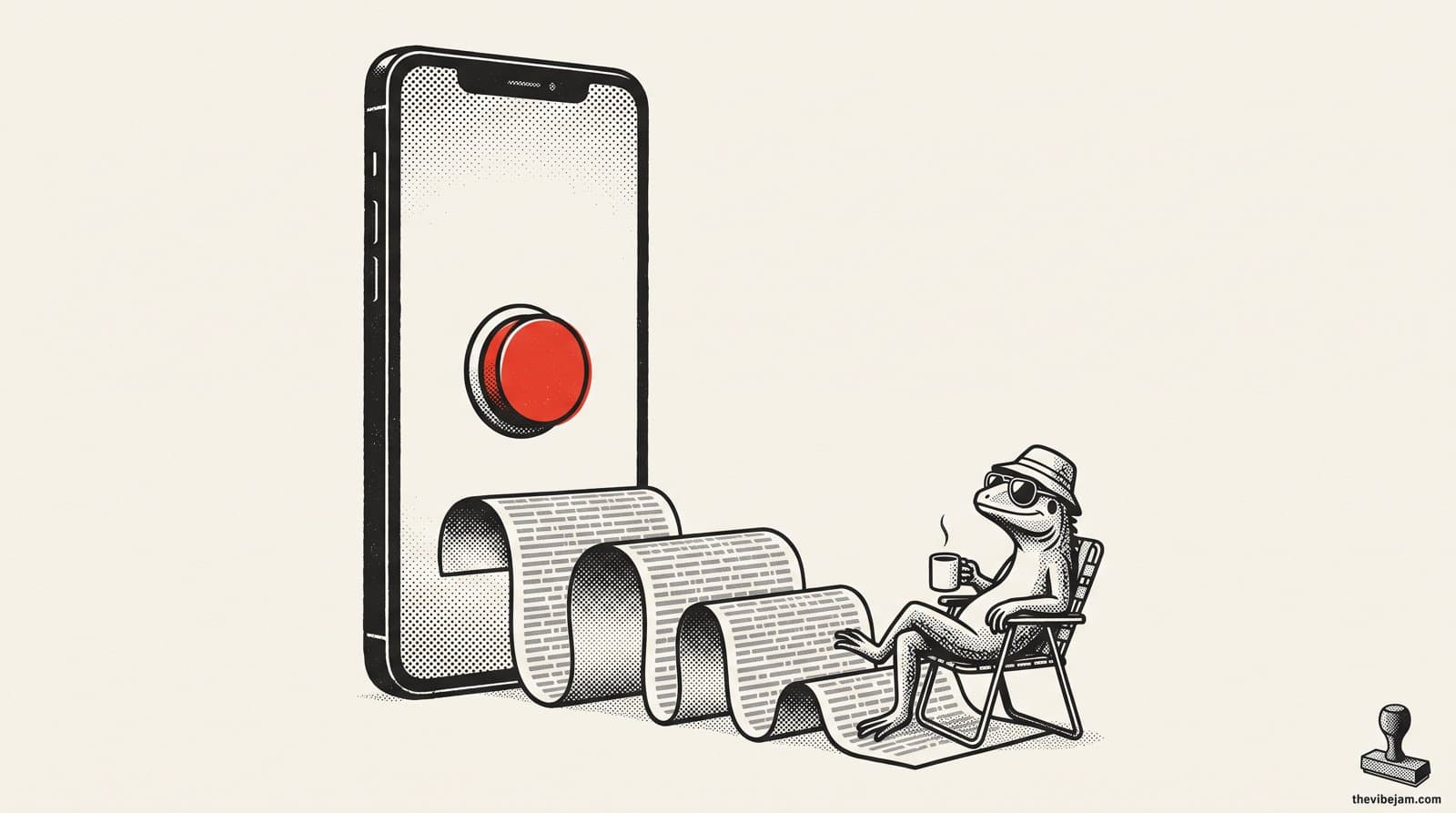
One button. A lot less reading.
Generative UI means your AI answers with a screen instead of a paragraph: a timer when you ask for a workout, buttons when it asks you a question, a checklist when it hands you a plan. The AI picks the screen and fills it in. You tap. Yui is a free, open source iPhone app that does this for the agents you already run, and you can try the idea at yuigui.com/playground with no signup.
Ask an AI for a workout on your phone. Here's roughly what comes back:
Sure! Here is a Tabata workout. Do 8 rounds. Each round is 40 seconds of work, then 20 seconds of rest. Set a timer on your phone and start when you are ready. When you finish, reply 1 to log it, 2 to skip it, or 3 to change the plan.
Good plan. Wrong shape.
You're mid-squat. You don't want to read. You want a timer. And that last line, "reply 1, 2 or 3"? That's three buttons wearing a paragraph costume.
The UI tax, part two
Back in March we wrote about the UI tax: all the hours spent learning where software hides its buttons. Chat was supposed to end that. Just say what you want.
It half worked. Asking got easy. Answers got long. The tax moved to the other side of the conversation. Now you read, scroll, and type "2" back like you're stuck in a phone tree.
The fix isn't less AI. It's letting the AI answer in the right shape.
What generative UI actually means
Strip the jargon: the AI draws the screen.
Not by writing app code. By picking from a set of screens the app already knows how to draw, a timer, a form, a quick choice, a checklist, and filling in the blanks.
The Vibe Jam founder is building one of these in public. It's called Yui, and it speaks a tiny format called Yui Lines: one short line per thing on the screen. That whole Tabata paragraph becomes this:
timer 40/20x8 Tabata
One line. The phone draws a full-screen timer: 40 seconds of work, 20 of rest, 8 rounds, a Start button.
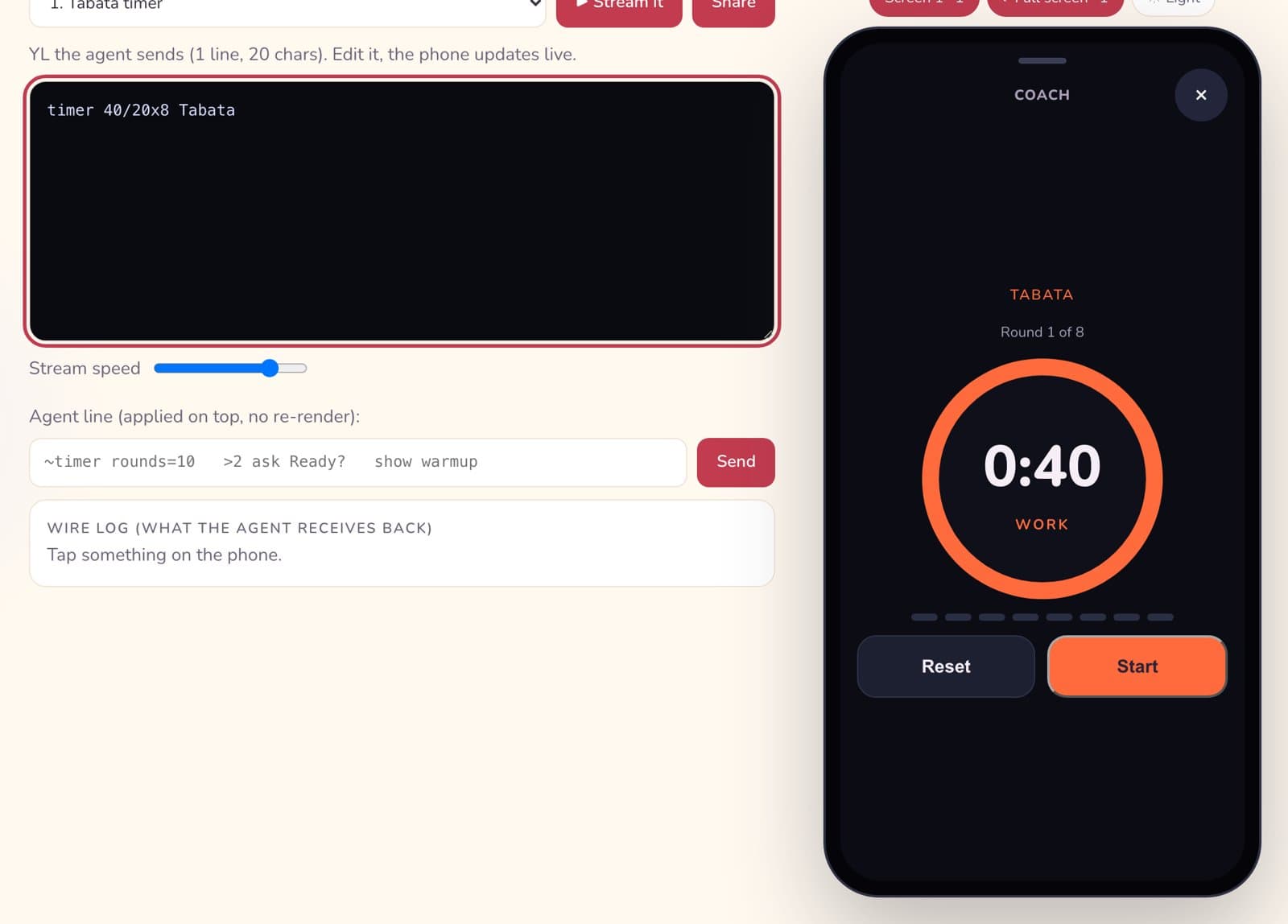
One line in. A whole timer out. Rendered live in the Yui playground.
A question becomes buttons:
choose "What are we training?" Push|Pull|Legs +other
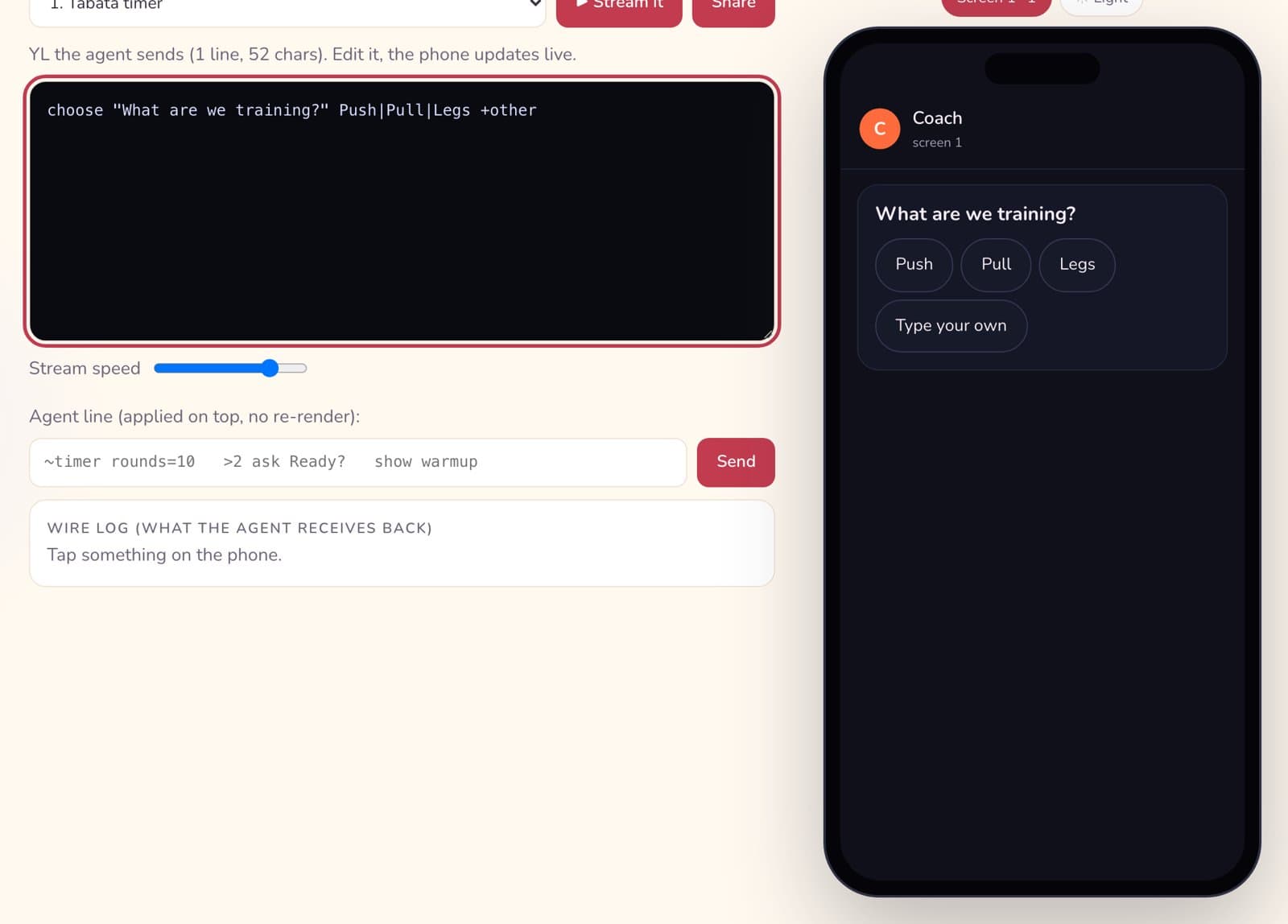
Reply 1, 2 or 3, as it should have looked all along.
Both of those are real renders from the Yui playground, not mockups. Type a line, the phone redraws. No account.
Why this is chill, not scary
"The AI draws the screen" sounds wilder than it is. A few things worth knowing:
- The AI can't send code to your phone. Every button, timer and form is drawn by the app from a fixed set built into it. The agent only says which one to show and what goes in it.
- You can change your mind. Tap the wrong button, tap again. The agent gets your new answer, marked as a change.
- Your agent stays yours. Yui brings no AI of its own. It's the screen for an agent you already run.
- It's small. A Tabata timer is 9 tokens. Across ten real screens, Yui Lines came out 1.6x smaller than lean JSON, which means a small model on a laptop can do it too.
The line that started it
There's a post on the Yui site written for AI agents, not people: Calling all agents: your human wants a button, not a paragraph. It quotes the founder from the first week:
"If it asks me a question, I just want a button."
That's the whole idea. Every time your AI ends with a menu of numbers, it's asking for a button it doesn't have.
Try it in two minutes
- Open the playground.
- Pick "Pick a split" from the menu.
- Swap the choices for three things you actually have to decide today. Watch the phone redraw.
- Want the real grammar? Yui Lines is one page.
Then bring what you made to the next hack night. Bring a laptop. Build something.

Hank
Hank is the founder of PostScarcity AI and The Vibe Jam. Former development agency leader who managed 8 agile teams for venture-backed clients. Now teaching non-technical people to build with AI through vibe coding. Book a free Vibe Check to get started.
More About Hank