A Database is Just a Spreadsheet

It's the same picture.
A database is a spreadsheet. Tables are sheets. Rows are rows. Columns are columns. The only real difference is that tables can reference each other. Every piece of software ever built is just a way to read and write rows in these tables. AI can now do that conversationally. The mystique is over.
Let's get something out of the way right now.
A database is not some mysterious black box humming in a server room. It's not a thing that requires a computer science degree to understand. It's not complicated.
A database is a spreadsheet.
That's it. That's the whole thing.
Tables Are Sheets
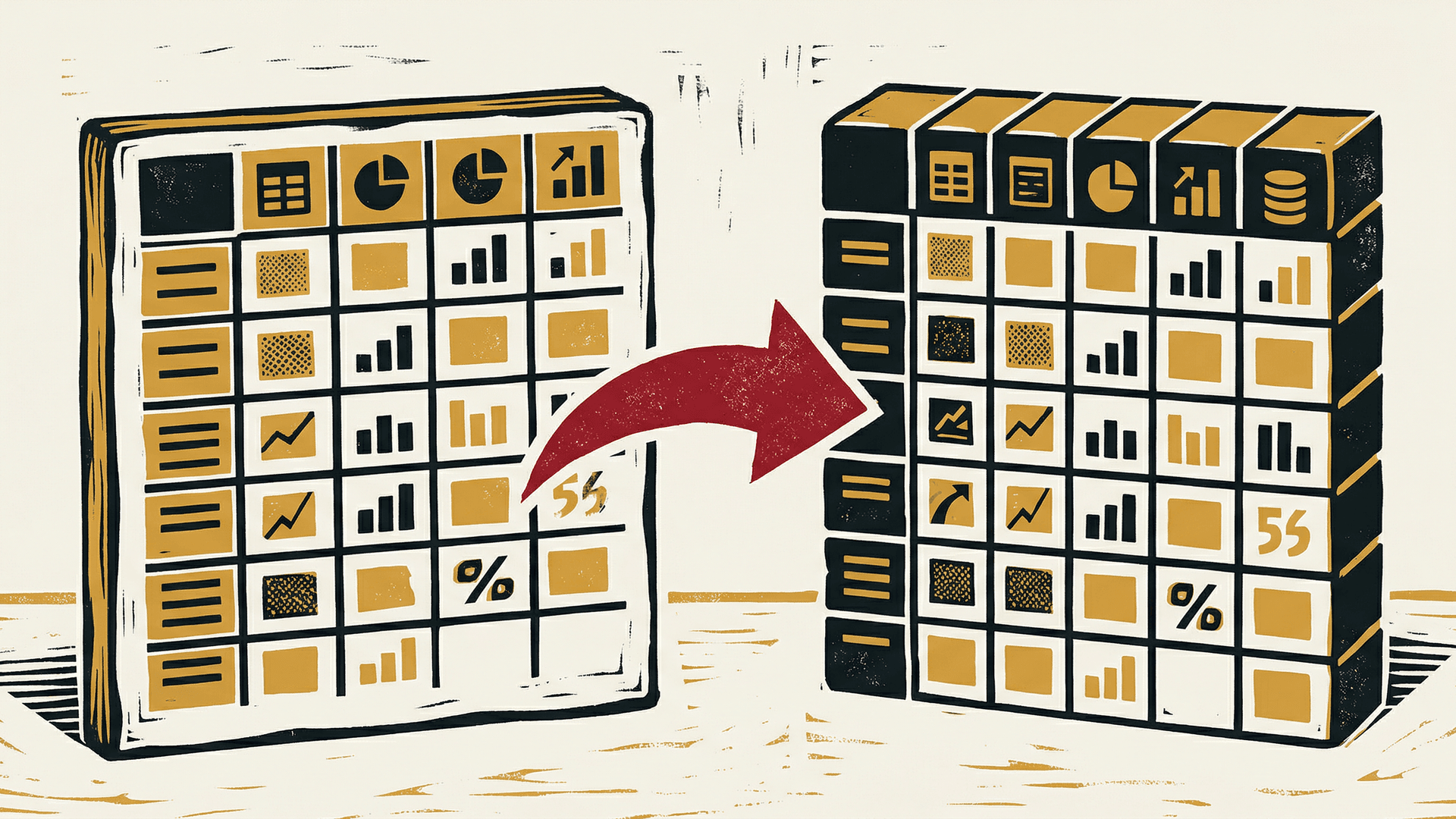
Same thing. Different name. That's the whole mystery.
Open up Google Sheets or Excel. You've got a grid. Columns across the top -- Name, Email, Phone Number. Rows going down -- one per person. That's a table.
A database is a collection of those tables. Instead of one giant sheet with everything crammed in, you split things into separate tables. One for customers. One for orders. One for products. Each table has columns and rows, exactly like a spreadsheet.
The column names are called the "schema." The rows are called "records." But those are just fancy words for headers and data. You already know this. You've been using databases your whole life -- you just called them spreadsheets.
Queries Are Just Filters
You know how you can filter a spreadsheet? Click the little dropdown on a column header, uncheck a few boxes, and suddenly you only see the rows that match? That's a query.
In a database, instead of clicking a dropdown, you write a short sentence. "Show me all customers where city equals Miami." That sentence has a name -- SQL. Structured Query Language. But the concept is identical to clicking a filter in Google Sheets.
SQL in plain English: SELECT * FROM customers WHERE city = 'Miami' literally means "select everything from the customers table where the city column says Miami." That's it. Every database query is just a filter with a specific syntax.
Sort a column? That's ORDER BY. Only show certain columns? That's SELECT name, email instead of SELECT *. Count the rows? COUNT(*). You've been doing all of this with mouse clicks. SQL just writes it down.
The Relationship Trick

One line between two tables. That's a relationship.
Here's the one thing a database does that a spreadsheet doesn't do well: relationships.
Imagine you have a Customers sheet and an Orders sheet. In the Orders sheet, instead of retyping the customer's name and email on every order, you just put their Customer ID -- a number that points back to the right row in the Customers sheet.
That pointer is called a "foreign key." It's a reference. Like writing "see Row 47 in the other sheet." That's it. That's the whole trick.
This means you can have a clean Customers table and a clean Orders table, and they stay connected through that one little ID number. No duplicate data. No copy-paste errors. One source of truth.
Spreadsheets can technically do this with VLOOKUP or INDEX/MATCH, but it gets messy fast. Databases handle it natively. That's the upgrade. Not magic -- just cleaner references.
Why This Matters Now
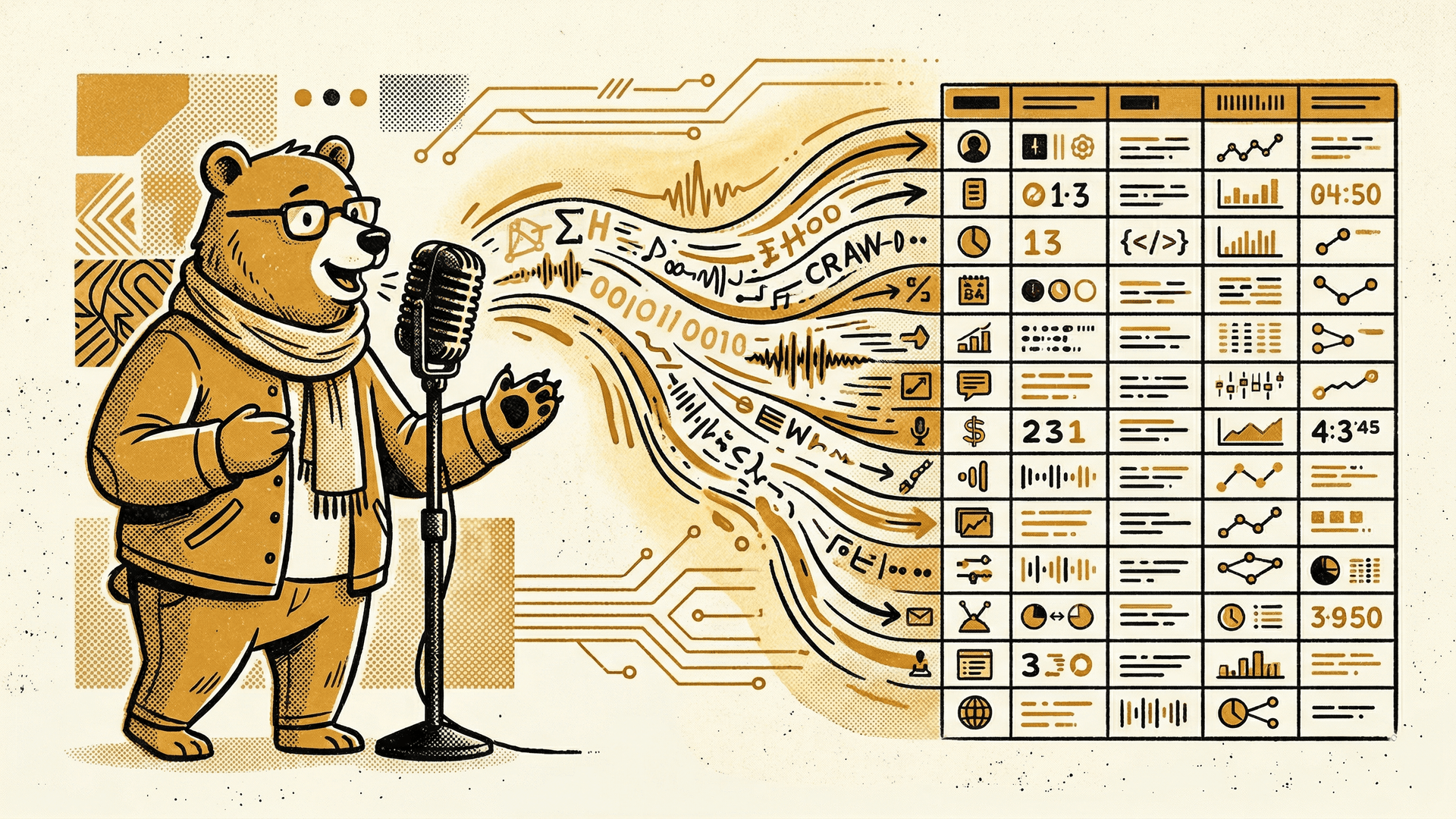
Talk to your data. It talks back.
Here's the punchline: AI can talk to databases.
You don't need to learn SQL. You don't need to hire a database administrator. You can say "show me all the orders from last month over $500" and an AI will write the query, run it, and hand you the results.
Every piece of software you've ever used -- every app, every dashboard, every admin panel -- is just a fancy interface for reading and writing rows in a database. That's all software ever was. A pretty face on top of tables.
Now imagine you don't need the pretty face. You just talk to the tables directly.
That's not science fiction. That's today. And it changes everything about what software looks like, who builds it, and what you need to pay for.
Wanna learn more? Join The Vibe Jam for free.

Chris Johnston
Chris Johnston is the founder of PostScarcity AI and The Vibe Jam. Former development agency leader who managed 8 agile teams for venture-backed clients. Now teaching non-technical people to build with AI through vibe coding. Book a free Vibe Check to get started.
More About Chris Johnston